Marcinczyk Reaction Calculator

Updated: Jan 12
Introduction
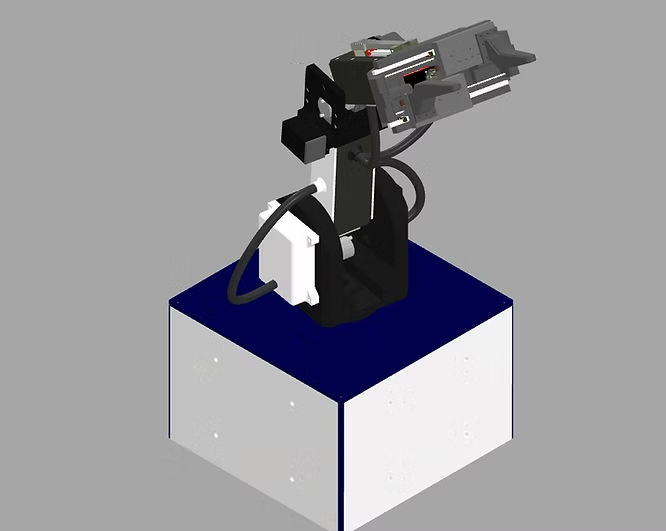
As part of the mechanical design phase for my robotic arm, it's critical to ensure that the structure can withstand applied loads. While I'm still building experience with Finite Element Analysis, I'm highly proficient in MATLAB — so I developed a generalized reaction solver to streamline the verification process.
This MATLAB-based app computes reaction forces for systems with two or more unknowns and supports both symbolic and numeric analysis. It handles both 2D and 3D statics problems, provided the user inputs forces and distances as vectors within a consistent coordinate system. Distributed loads must be converted into equivalent point loads prior to use. This tool significantly accelerates the structural validation process during early design stages. However, will not support problems with only one unknown, namely, cantilevered beam problems.

Theory
This function processes the vector cross products of all applied loads and their corresponding position vectors to compute the resulting moments.

It then assembles all the static equilibrium conditions — including force and moment balances — into a unified matrix system.

K is the coefficient matrix derived from the geometry and equilibrium equations,
R represents the unknown reaction forces and torques, and
Q contains the known external loads and moments
Once the symbolic equations are constructed, they are expressed in matrix form:
To solve this system, a direct linear solver is applied. In MATLAB, this is performed using the line of code here:
R = linsolve(K, Q); The app is free, and can directly be downloaded down below.